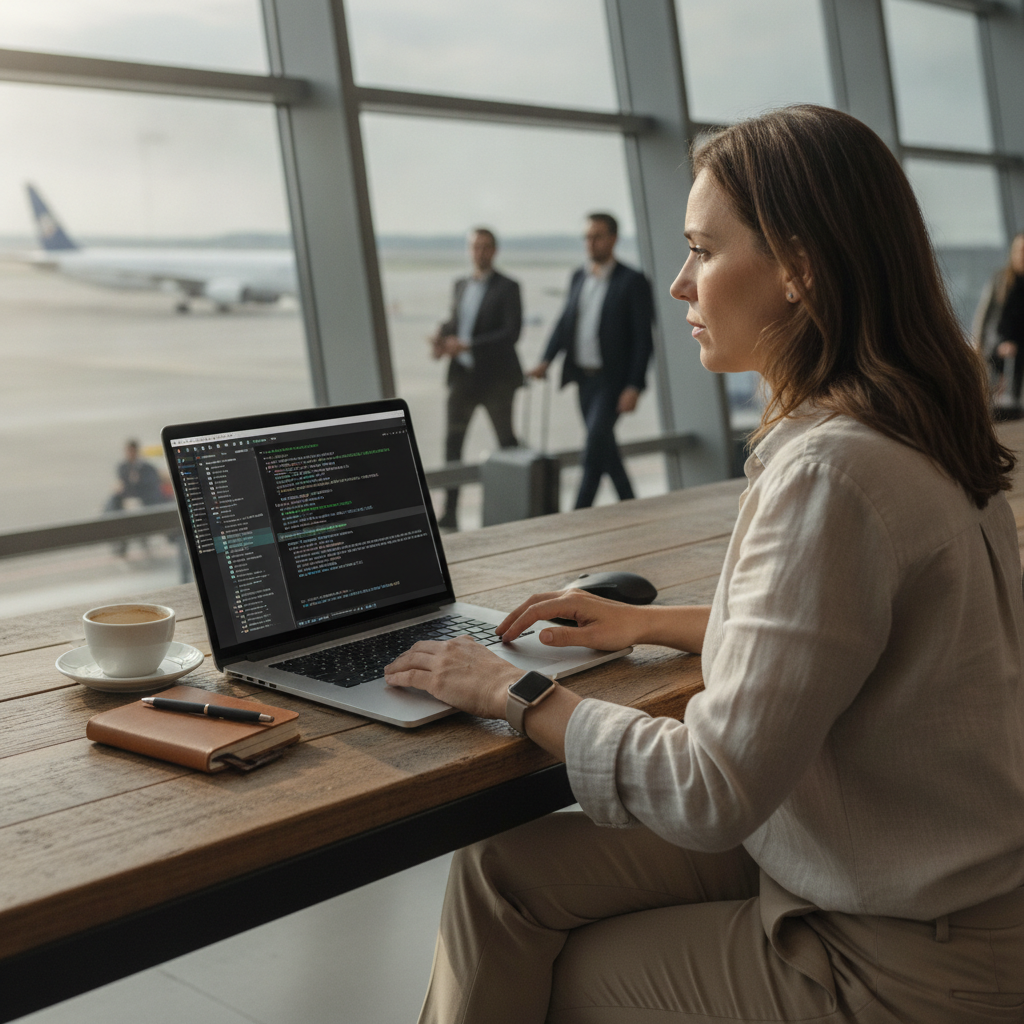
A quiet shift is happening at the edges of mainstream computing, where people who have never written a line of code are opening terminal windows and finding that text-based tools get things done faster than the polished software they've relied on for years. What started as a corner of the computing world associated almost exclusively with software engineers and system administrators is gradually drawing in writers, researchers, project managers, and small business owners who are tired of slow, resource-heavy applications that seem designed for everything except getting work done quickly.
The Appeal of Lighter, Faster Computing Environments
Desktop applications have grown considerably in complexity over the past decade. Tools like Slack, Notion, and even standard word processors now load entire web rendering engines just to display text and manage files. For users running modest hardware — or simply those who want a distraction-free environment — this overhead is noticeable. Terminal-based tools sidestep that weight entirely. Programs like Vim, tmux, and Ranger operate on a fraction of the system resources that their graphical counterparts demand, and they respond to input almost instantly. That responsiveness, once experienced, is difficult to give up.
Why Non-Technical Users Are Making the Shift
The barrier to entry for terminal tools has dropped meaningfully. Friendly documentation, active community forums, and platforms like YouTube have made it easier for someone with no programming background to learn basic commands and configure a personal workflow. Tools such as Taskwarrior for task management or Calcurse for scheduling require only a modest learning investment before they become genuinely useful. Non-developers are discovering that the commands they need for daily work — creating folders, moving files, running simple scripts, managing text — form a relatively small and learnable set. The initial unfamiliarity fades quickly with consistent practice.
How These Tools Replace Bloated App Ecosystems
One of the more compelling reasons people move toward terminal-based workflows is consolidation. Rather than juggling separate apps for notes, calendars, task lists, and file management, a well-configured terminal setup can handle all of these from a single interface. The note-taking tool Obsidian, while graphical, pairs naturally with plain-text habits that terminal users already develop. Meanwhile, tools like fzf — a command-line fuzzy finder — let users search through thousands of files or notes in seconds without any application loading at all. The experience of doing more with less becomes a kind of organizing principle for how these users approach software overall.
The Role of Customization in Building Personal Workflows
Terminal environments are notable for how deeply they can be shaped to individual preferences. Users can configure their shell — whether Bash, Zsh, or the increasingly popular Fish shell — to behave exactly as needed, adding shortcuts, aliases, and visual themes that no standard application menu would allow. This level of control appeals strongly to people who feel constrained by the fixed interfaces of commercial software. Dotfiles — the configuration files that define a terminal environment — can be saved, versioned, and reproduced across machines, meaning a workflow built carefully on one computer travels effortlessly to another. That portability has particular value for remote workers and frequent travelers.
What the Learning Curve Actually Looks Like
For those considering this shift, the practical starting point matters more than the theoretical appeal. Begin by identifying one specific task in your current workflow that feels slow or frustrating — file searching, batch renaming, or keeping a daily task list are common candidates. Install a single terminal tool that addresses that task and use it consistently for two to three weeks before adding anything else. Resources like the Arch Linux wiki, the r/commandline community on Reddit, and dedicated YouTube channels focused on terminal workflows offer clear, patient guidance that doesn't assume prior technical knowledge. Progress tends to be nonlinear but cumulative.
Where This Trend Is Likely Headed
The growing accessibility of terminal-based tools reflects a broader interest in computing that is intentional rather than passive. As operating systems continue to embed more advertising, telemetry, and forced updates into graphical environments, a segment of users will increasingly value software that does only what they ask. Tools built around the Unix philosophy — doing one thing well and composing with other tools — have survived decades of computing trends for exactly this reason. Expect to see more beginner-friendly wrappers around established terminal tools, more cross-platform support via environments like Windows Subsystem for Linux, and a steadily growing community of non-technical users who prefer the clarity of a blinking cursor to the noise of a cluttered desktop.