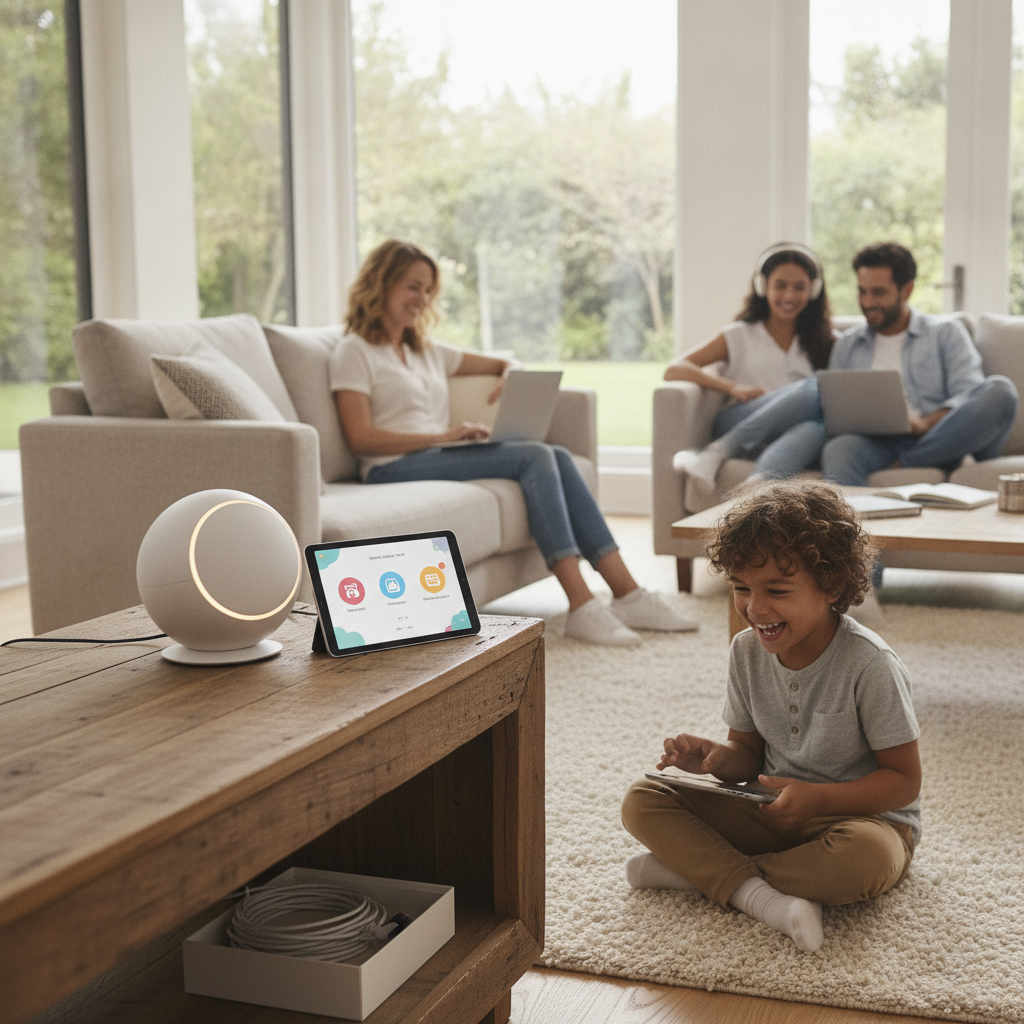
Family home networks have grown considerably more complex, and the tools parents use to manage them are catching up. Where households once relied on a standalone router paired with a separate content filtering subscription, a new category of mesh Wi-Fi systems now handles both jobs from a single platform. Brands like Eero, Google Nest, and Gryphon have made this convergence practical and approachable, shifting network management away from technical menus and toward straightforward mobile apps that any parent can actually use.
Understanding Why Separate Setups Created More Problems Than They Solved
The traditional approach to home network security involved layering products on top of each other — a modem, a router, a range extender, and a third-party filtering service like Circle or OpenDNS. Each piece required its own configuration, and keeping them working together was rarely intuitive. When firmware updates broke compatibility or a child found a device gap in coverage, parents faced troubleshooting that assumed a level of technical comfort most households simply don't have. The friction alone caused many families to abandon filtering tools they'd paid for.
What Mesh Systems Actually Do Differently at the Hardware Level
Mesh Wi-Fi systems solve a foundational problem by replacing the single-router model with multiple nodes that communicate with each other to blanket a home in consistent wireless coverage. Unlike range extenders, which create secondary networks with degraded speeds, mesh nodes operate as one unified network. This matters for parental controls because every connected device — whether it's a tablet in a bedroom or a gaming console in a basement — passes through the same managed system. There are no coverage dead zones where filtering rules quietly stop applying.
How Parental Control Features Are Built Into the Platform, Not Bolted On
Systems like Eero Plus and the Gryphon Tower integrate content filtering, screen time scheduling, and device-level pausing directly into their companion apps. Rather than requiring parents to log into a separate dashboard with its own account, these controls sit alongside network speed settings and device management in a single interface. Gryphon, in particular, was designed from the outset with families in mind, offering AI-driven threat detection alongside age-based content categories. This architectural decision — building controls into the network rather than adding them afterward — is what separates modern mesh platforms from earlier workarounds.
Comparing the Major Players Across Coverage, Control, and Cost
Eero, now owned by Amazon, offers broad coverage and a clean app experience, with its Pro and Max lines handling larger homes comfortably. Its parental control tier requires an Eero Plus subscription, which adds a recurring cost worth factoring into the total investment. Google Nest Wi-Fi Pro takes a different approach, leaning on Google's existing Family Link ecosystem to connect network-level controls with device-level app management. Gryphon sits at the premium end, prioritizing security features without requiring a separate subscription for its core filtering tools. Each system reflects a different philosophy about where the value sits.
Recognizing the Limitations Before Making a Switch
Mesh systems with built-in controls aren't a perfect solution for every household. Filtering effectiveness depends on the platform's category database staying current, and no system catches everything — particularly as encrypted traffic and VPN use become more common among tech-savvy teenagers. Some parents find that app-based controls feel less granular than dedicated filtering tools, which may offer more detailed reporting or per-site customization. Homes with complex network needs, like small home offices running servers or NAS devices, may also find consumer-grade mesh systems limiting in ways a more traditional router setup wouldn't be.
Choosing the Right System for Your Home's Actual Layout and Habits
If you're evaluating mesh systems as a replacement for a separate router and filtering setup, start by mapping your home's square footage and the number of floors that need coverage. A two-story home under two thousand square feet will perform well with a two-node Eero or Nest setup, while larger or older homes with thick walls often need three nodes or more. Consider how deeply you want to manage individual devices — if you want different rules for a ten-year-old and a fifteen-year-old, look for systems that support per-device or per-profile scheduling rather than household-wide settings only. Factor in the ongoing subscription cost alongside the hardware price, since some platforms' most useful features sit behind a monthly fee.
The direction these platforms are heading points toward deeper integration rather than greater complexity. As smart home ecosystems mature, mesh systems are beginning to connect network behavior with broader household routines — automatically shifting filtering profiles when a school day ends or pausing entertainment devices at a set bedtime without manual input. The gap between a managed network and a genuinely responsive home environment is narrowing, and families who adopt unified mesh platforms now are well-positioned to take advantage of that next layer of automation as it becomes standard.