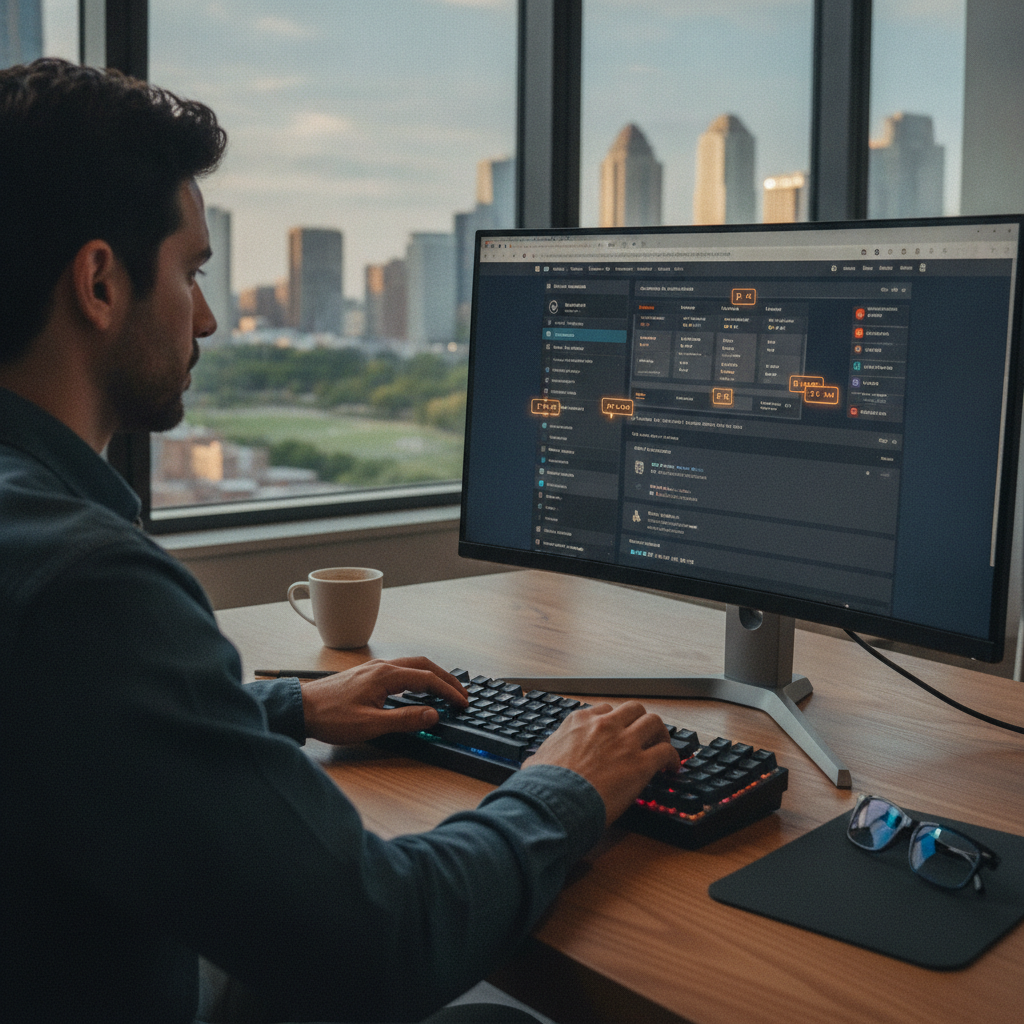
The relationship between computer users and the mouse has always been one of convenience rather than necessity. For decades, the pointing device felt indispensable — a natural extension of how people think spatially about screens. But a growing community of power users, developers, writers, and deep-work advocates has been quietly building workflows that eliminate the mouse entirely, relying instead on keyboard-driven browser extensions that make nearly every web interaction accessible through a few keystrokes.
The Logic Behind Removing the Mouse From the Equation
Mouse-free browsing isn't about preference for its own sake. The core argument is about friction. Every time a person lifts a hand from the keyboard to reach for a mouse, clicks through a menu, then returns to typing, they lose micro-moments that accumulate over hours of work. Researchers and productivity advocates have long noted that frequent input-switching interrupts the cognitive state associated with deep concentration. Keyboard-first workflows reduce that switching by keeping the hands in one place and the mind anchored to a task rather than to the mechanics of operating a browser.
Vimium and the Extension That Started a Movement
Vimium is arguably the extension most responsible for popularizing mouse-free browser control. Originally inspired by the keyboard shortcuts in the Vim text editor, Vimium overlays a browser — primarily Chrome and its derivatives — with a system of letter-based link labels. Pressing a single key surfaces those labels on every clickable element on a page, allowing users to activate any link without touching the mouse. The extension also provides keyboard shortcuts for tab management, page scrolling, history navigation, and search, creating a near-complete interface layer that sits invisibly until summoned. Its influence spawned a category.
Similar tools followed. Surfingkeys offers a comparable experience but adds a built-in JavaScript console and more customizable key bindings. Tridactyl is popular among Firefox users who want deep configuration options, including the ability to remap nearly every browser function. Each extension takes a slightly different philosophy toward which actions matter most, but they share the same foundational belief: the keyboard is faster, more precise, and less physically demanding than a mouse for users willing to build the habit.
Why Focused Work Specifically Benefits From This Approach
Deep work — the kind that requires sustained attention over long stretches — is particularly sensitive to interruption. The cognitive cost of returning to a complex thought after a physical interruption is higher than most people consciously register. For writers drafting in browser-based tools, developers referencing documentation, or researchers moving between sources, keyboard-driven extensions create a smoother rhythm. There's no visual context-switch between a floating cursor and the text on screen. The hands stay on the home row, and the eyes stay on the content.
This matters beyond individual comfort. The relationship between physical workflow and cognitive state is well-established in ergonomic and productivity research. Extensions like Vimium and Surfingkeys don't just save seconds — they reduce the number of times a person has to consciously decide how to perform a mechanical action, freeing that mental bandwidth for the actual work.
Customization and the Learning Curve Worth Taking
The honest challenge with keyboard-driven extensions is the initial adjustment period. Unlike a mouse, which most people can pick up intuitively, learning a set of keyboard commands requires deliberate practice before the movements become automatic. Vimium uses a relatively shallow command set — most users become comfortable with core functions within a week or two. Tridactyl and Surfingkeys, with their deeper configuration systems, take longer to master but offer correspondingly more power once internalized.
Customization is where these tools become genuinely personal. Users can remap keys to match their physical preferences, define custom search shortcuts for frequently visited sites, or create site-specific rules that override default behaviors. A researcher who spends hours in Google Scholar can configure one-key shortcuts specific to that domain. A developer referencing GitHub or MDN Web Docs daily can build shortcuts that match those workflows exactly. The upfront investment pays compounding returns the longer the habit holds.
How This Trend Connects to Broader Shifts in Digital Workflow
Keyboard-first browsing doesn't exist in isolation. It's part of a wider movement toward intentional, low-distraction computing that includes tools like distraction blockers, command-palette interfaces in apps like Notion and Linear, and terminal-based workflows among developers. The common thread is a preference for explicit, intentional control over interfaces driven by visual menus and click targets. As browser-based applications become more powerful — handling everything from document editing to video calls — the browser itself has become the most important application on most computers, making how it's controlled increasingly significant.
Operating systems and browsers are also responding. Arc Browser's command bar, which allows tab and page management through typed commands, reflects the same philosophy at the product level. The line between extension behavior and native browser features is blurring as these ideas move upstream.
Building a Mouse-Free Workflow That Actually Sticks
If you're considering shifting toward keyboard-driven browsing, the practical path is gradual. Start by installing Vimium in Chrome or a Chromium-based browser, or Tridactyl if you use Firefox, and commit to using the link-label system exclusively for two weeks — even when reaching for the mouse feels faster. Muscle memory forms through repetition, not through intent alone. Pair the extension with a keyboard-shortcut reference card for the first few days. Once basic navigation feels natural, explore the settings to customize key bindings around your most common tasks. The goal isn't to eliminate the mouse entirely from day one, but to reduce reliance on it in the contexts where focus matters most — long research sessions, writing blocks, or sustained development work. Over time, most users find the mouse becomes a tool they use rarely, rather than constantly.
The trajectory of this space points toward deeper integration rather than niche adoption. As AI-powered command interfaces become more common in browsers, the keyboard-first philosophy is likely to merge with natural language control, creating hybrid systems where typing a command — whether a shortcut or a plain-language instruction — routes to the same underlying action. Power users who build keyboard-first habits now will be well-positioned to adapt as those systems mature, carrying the instinct for intentional, efficient interaction into whatever interface comes next.