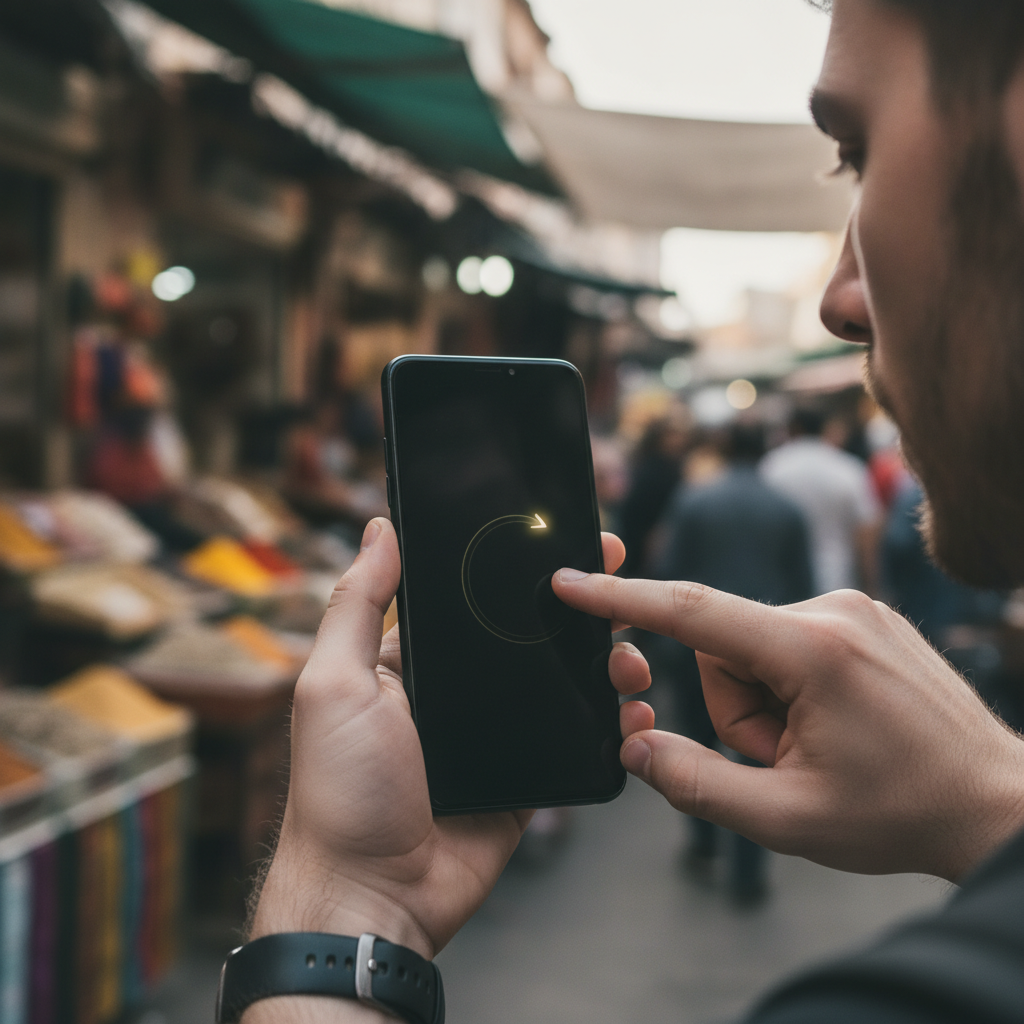
The home screen as most people know it — a grid of icons, a dock, and a swipe-up drawer full of apps — has been the default mental model for smartphones since the beginning. It works, but it also assumes that visual organization is the only way a phone can be arranged. A growing number of Android users are quietly abandoning that assumption entirely, building entirely gesture-driven environments where apps open through muscle memory rather than icon-hunting, and where the screen itself stays blank by design.
Understanding What Gesture Launchers Actually Replace
A gesture launcher replaces the standard Android home screen with an interface built around directional swipes, taps on invisible zones, or finger patterns drawn directly on the display. Apps like Niagara Launcher, Openboard setups paired with custom launchers, and especially dedicated minimalist tools like Lawnchair configured without a drawer take this concept in different directions. Some let users assign a unique swipe direction to each app. Others create tap zones in different screen regions. The core idea is the same: the visual catalog of apps disappears, and spatial or gestural memory takes its place.
Why Minimalist and Power Users Are Both Drawn In
Two very different types of users have arrived at gesture launchers from opposite directions. Minimalists want less visual noise — no icon grids, no notification badges cluttering the display, no temptation to open apps reflexively because they're sitting there in plain sight. Power users want speed — the ability to reach any app in under a second without lifting a thumb from a comfortable position. What makes gesture launchers interesting is that they satisfy both groups simultaneously. A blank screen with gesture shortcuts is both calmer to look at and faster to act on, which is a rare combination in interface design.
How the Gesture Assignment Systems Work in Practice
Most gesture launchers on Android give users a setup interface where each app gets mapped to a specific motion. Swipe left from the middle of the screen might open Spotify. A quick double-tap in the upper-right corner might pull up a notes app. In some systems, users draw letter shortcuts — swiping the shape of a letter pulls up whichever app is assigned to it. After a week or two of regular use, these motions become automatic enough that users stop thinking about them consciously. The phone responds to intent rather than requiring visual confirmation at each step, which changes the pace and feel of using the device significantly.
Reclaim Your Screen Time by Removing Visual Triggers
One underappreciated benefit of running without a home screen is how it disrupts automatic, unconscious app-opening behavior. When social media icons sit in a grid, a glance at the phone can lead to tapping Instagram or Reddit before a conscious decision has even formed. With a gesture launcher, opening any app requires a deliberate physical motion tied to that specific app. You have to mean to open it. Research in behavioral design points to this kind of friction as genuinely effective at reducing mindless use — not because the apps are blocked, but because the visual cue that triggers the habit is simply no longer there. For people trying to be more intentional with screen time, this shift is more effective than most app-timer systems.
Setting Up a Gesture Launcher Without Losing Access to Everything
For anyone curious about trying this on their own Android device, the practical starting point is picking a launcher that matches your comfort level with configuration. Niagara Launcher offers a gentler on-ramp — it keeps a slim alphabetical app list accessible while letting you assign favorites to swipe shortcuts on either side of the screen. If you want to go further, apps like AIO Launcher or Total Launcher let you build nearly blank interfaces with zone-based or pattern-based gestures. The key during setup is to map only the apps you open daily first — maybe eight to twelve — and leave everything else accessible through a fallback list or search. Trying to gesture-map every app at once leads to confusion; building the system gradually makes it stick.
Where Gesture-Driven Interfaces Are Heading on Mobile
The broader trajectory here points toward interfaces that are increasingly invisible. As Android's core gesture navigation continues to evolve — with system-level swipes already handling back, home, and recent apps — third-party launchers are building on top of that foundation to create experiences where the phone practically disappears as a physical object and becomes more like a layer of responsive muscle memory. Manufacturers like Samsung are experimenting with more customizable interaction layers in their One UI skins, and independent developers are pushing into territory that blurs the line between launcher and operating system. The home screen grid isn't going away for most users anytime soon, but the tools to move completely beyond it are more refined and accessible than they've ever been.