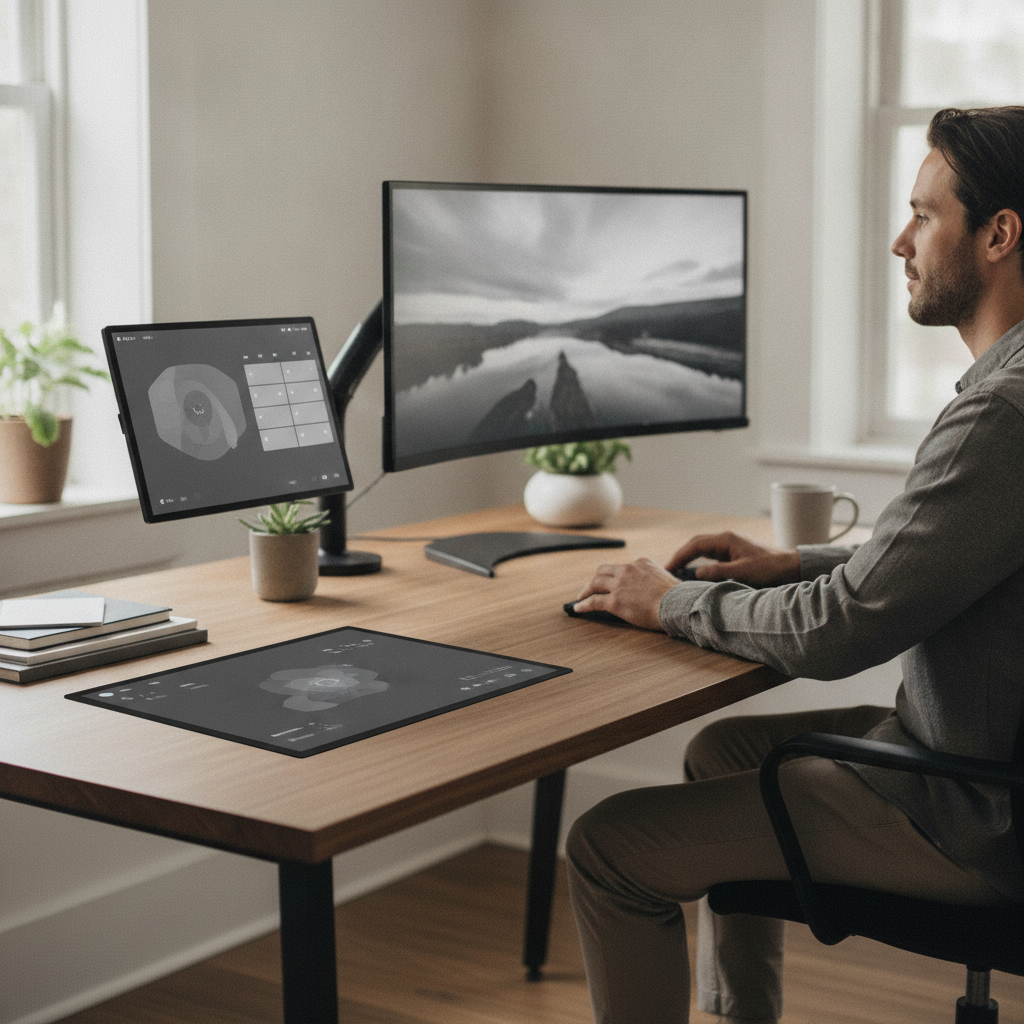
Attention is quietly being eroded at the desk, not through one dramatic interruption but through dozens of tiny ones. A calendar reminder flashes. A message badge appears. A status update pulses in a corner of the screen. Each glance feels small, but collectively they fracture focus in ways that accumulate through the workday. A growing number of desk workers are addressing this with an unexpected tool: e-ink secondary displays, configured as always-on dashboard panels that hold persistent, low-stimulation information exactly where it's needed.
Understanding the Problem With Standard Notification Systems
Conventional notification systems are built for immediacy, which is precisely the issue. Every alert is designed to pull attention now, regardless of whether it actually requires it. The result is a kind of ambient urgency, a background hum of interruption that makes sustained concentration difficult. Cognitive researchers have long observed that context-switching carries a recovery cost — even brief distractions extend the time needed to return to a prior task. When those distractions repeat dozens of times daily, the cumulative effect on output and mental energy becomes significant for desk workers across many fields.
What E-Ink Displays Do Differently Than Traditional Screens
E-ink displays render content using physical particles suspended in a film, which means they hold an image without continuously drawing power or refreshing. Unlike LCD or OLED panels, they produce no backlight glare and create no visual flicker. The result is a screen that feels closer to printed paper than a live digital display. When configured as a secondary dashboard, an e-ink panel sits in peripheral vision without demanding attention — it can be checked deliberately rather than reactively. This passive quality is what makes e-ink fundamentally different from adding another monitor to a workstation.
How Dashboard Configurations Turn Passive Screens Into Useful Tools
The value of an e-ink secondary display depends almost entirely on what's shown on it. The most effective configurations surface information that benefits from persistence: calendar events for the day, active task priorities, meeting countdowns, or communication statuses. Tools like Notion, Trello, and Home Assistant can push structured data to compatible displays. Devices such as the Inkplate series and BOOX Mira allow users to configure what information appears and how often it refreshes. The goal is to replace the habit of glancing at a main screen every few minutes with a single, readable panel that holds steady context.
Why Reducing Glance Frequency Matters More Than Blocking Notifications
Blocking notifications entirely solves one problem while creating another — workers who can't see incoming information at all often overcorrect by checking email and messaging apps more frequently out of anxiety. E-ink dashboards offer a middle path. By surfacing summarized, low-urgency information in a calm visual format, they reduce the impulse to scan the main screen constantly. The act of glancing at a static panel is far less disruptive than reacting to an animated alert. Workers report a quieter quality of focus, not because less is happening, but because relevant context is always visible without requiring a reactive response.
Setting Up Your Own Persistent Dashboard Screen
Starting with an e-ink dashboard requires choosing the right device and a data source worth displaying. Devices like the Inkplate 10 or the Dasung Paperlike offer different size options and connectivity methods. For most desk workers, positioning the screen beside the primary monitor at a slight angle makes the most ergonomic sense — visible without requiring a direct head turn. You can connect displays to a Raspberry Pi running a lightweight script, or use dedicated apps that pipe calendar and task data directly. Start with one category of information, such as your daily schedule, before adding more. Keep the layout minimal: dense content defeats the purpose of reducing visual noise.
Where This Category of Display Technology Is Headed
E-ink display technology is advancing steadily, with color e-ink panels — such as those developed by E Ink Holdings — becoming more affordable and accessible in commercial products. As refresh rates improve and third-party software support expands, the use case for persistent dashboard screens will broaden. It's reasonable to expect that workplace productivity setups will increasingly incorporate low-stimulation ambient displays as a standard component alongside traditional monitors. The broader shift in how desk workers think about attention management — less reactive, more intentional — is creating natural demand for tools that serve information without demanding it be acted upon immediately. E-ink displays are well positioned to meet that need.
The relationship between digital information and human attention is being renegotiated at the desk level, one small hardware choice at a time. E-ink secondary displays represent a practical, low-cost intervention for workers seeking to reclaim focused time without disconnecting from the information they need. The technology is accessible, the configuration options are expanding, and the underlying logic — that not every piece of information needs to compete for immediate attention — is straightforward and sound.