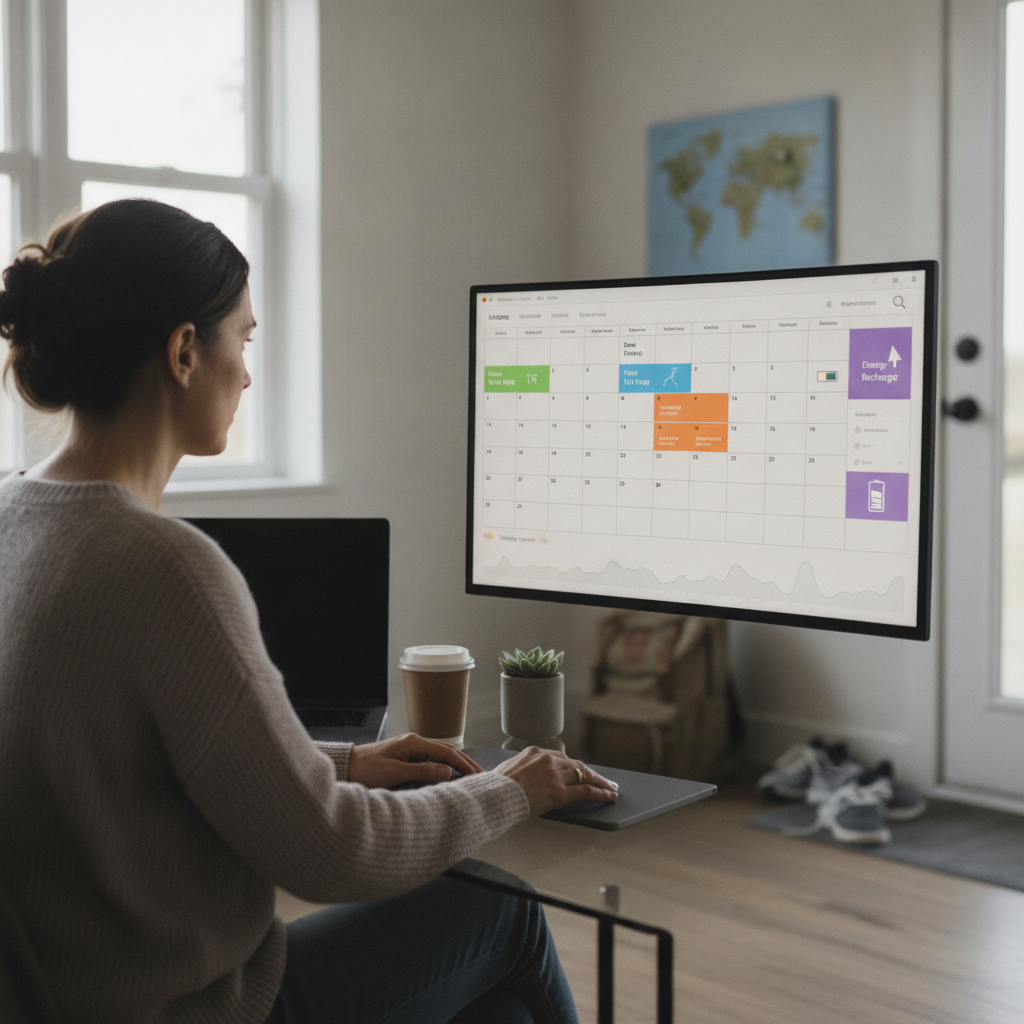
Static scheduling tools built around fixed time blocks were designed for a world where work happened in one place, at predictable hours, with predictable rhythms. Hybrid workers no longer live in that world. The growing category of context-aware calendar apps is filling the gap — software that reads commute data, learns energy cycles, and builds schedules around how people actually function rather than how a grid of hourly slots assumes they do.
What Context-Aware Scheduling Actually Means
Context-aware calendar apps go beyond storing appointments. They process inputs like home address, office location, transit options, and historical meeting patterns to build a clearer picture of how a person's day actually unfolds. Apps like Reclaim.ai and Motion have moved this concept into mainstream use by layering task prioritization on top of calendar data. The result is a schedule that shifts based on what's happening around the user — not one that stays frozen while the rest of life moves unpredictably. The distinction sounds simple, but the practical difference for hybrid workers is significant.
How Travel Time Gets Factored Into the Schedule
One of the most practical features in modern scheduling apps is automatic commute buffering. Rather than leaving a 9:00 AM meeting stacked directly against a 10:30 AM at a different location, apps integrated with mapping services — including those connected to Google Maps or Apple Maps transit data — calculate realistic travel time and block it off automatically. This prevents the chronic cascade of running late that plagues hybrid workers who alternate between home, office, and third locations like coworking spaces. Fantastical and Morgen both offer commute-aware scheduling that adjusts based on real-time traffic conditions rather than optimistic estimates.
Reading Energy Patterns Without Wearable Data
Energy-aware scheduling doesn't necessarily require a smartwatch. Some apps infer energy patterns from behavioral data — when meetings tend to get rescheduled, when tasks are completed quickly versus dragged across days, and which time slots produce consistent no-shows or cancellations. Over time, these signals reveal when a person is most productive and when their cognitive load typically drops. Reclaim.ai, for instance, identifies what it calls "focus time" windows by analyzing when users have historically been most responsive and task-efficient. The app then protects those windows from meeting requests unless manually overridden.
Why Static Blocking Systems Break Down for Hybrid Workers
Traditional time-blocking methods assume that if a task is assigned a slot, it will happen in that slot. Hybrid work disrupts that assumption regularly. A home office day with no commute creates different available energy than an office day with two hours of transit and back-to-back in-person meetings. A static calendar doesn't know the difference — it simply shows blocks. Context-aware apps, by contrast, treat the nature of the day itself as a variable. When a day shifts from remote to on-site, the schedule recalibrates automatically, moving deep-work tasks to appropriate windows and rescheduling lightweight admin to commute-adjacent time.
Where AI Sits in the Scheduling Stack
Artificial intelligence in this category functions less like a chatbot and more like a scheduling layer that runs continuously in the background. Motion uses AI to reprioritize tasks in real time as new items are added, deadlines shift, or meetings run long. Rather than requiring manual drag-and-drop adjustments every time something changes, the system rebuilds the day's structure automatically based on updated priorities. This removes a cognitive burden that many hybrid workers underestimate — the constant mental effort of deciding what to do next when the original plan is no longer viable. The app absorbs that decision-making load.
How to Start Using These Tools Without Overhauling Everything
If you're managing a hybrid schedule that feels perpetually reactive, the entry point doesn't have to be a complete system overhaul. Start by connecting one context-aware app — Reclaim.ai offers a free tier, and Fantastical provides strong commute integration — to your existing calendar. Let it run alongside your current setup for two or three weeks before making any changes. Pay attention to when it flags scheduling conflicts you hadn't noticed and where it surfaces commute gaps you were ignoring. From there, gradually allow the app to take over task scheduling for lower-stakes items before trusting it with high-priority work. Building confidence in the system incrementally prevents the frustration of full commitment before you understand how it fits your specific pattern.
The direction these tools are heading involves deeper integration with workplace platforms like Slack and Microsoft Teams, so that scheduling responds not just to calendar data but to communication load — recognizing, for instance, that a day heavy with message threads and video calls warrants protected recovery time afterward. As hybrid work becomes a permanent structure for a significant portion of the workforce rather than a temporary accommodation, the pressure on these tools to perform intelligently will only increase. Static scheduling served its era. Context-aware systems are being built for this one.